
Building a production ready Flutter Web App
Mục Lục
Building a production ready Flutter Web App
We recently published the web app for Dropzone Plus that is written entirely in Flutter Web. Because web support for Flutter is very new and just recently became stable I wanted to share my experience to help other developers make a choice if they are considering using it.
You can see the app in action at plus.dropzone.dev and read more about it at www.dropzone.dev/plus.
NOTE: Out of interest, and because of some usability concerns, we decided to rebuild the UI in Svelte & Svelte Kit to be able to compare the two. The current live version is the Svelte version. We will deploy the flutter version soon as well so you can compare them yourself and see whether it was worth the effort.
This was the original conclusion:
TL;DR: Working with flutter is fun and efficient and the resulting app is great but not quite on par with a native HTML web app (yet). If you intend on releasing mobile and desktop apps as well, and/or your app is supposed to feel more like an app than a website, then you’ll be very happy with Flutter.
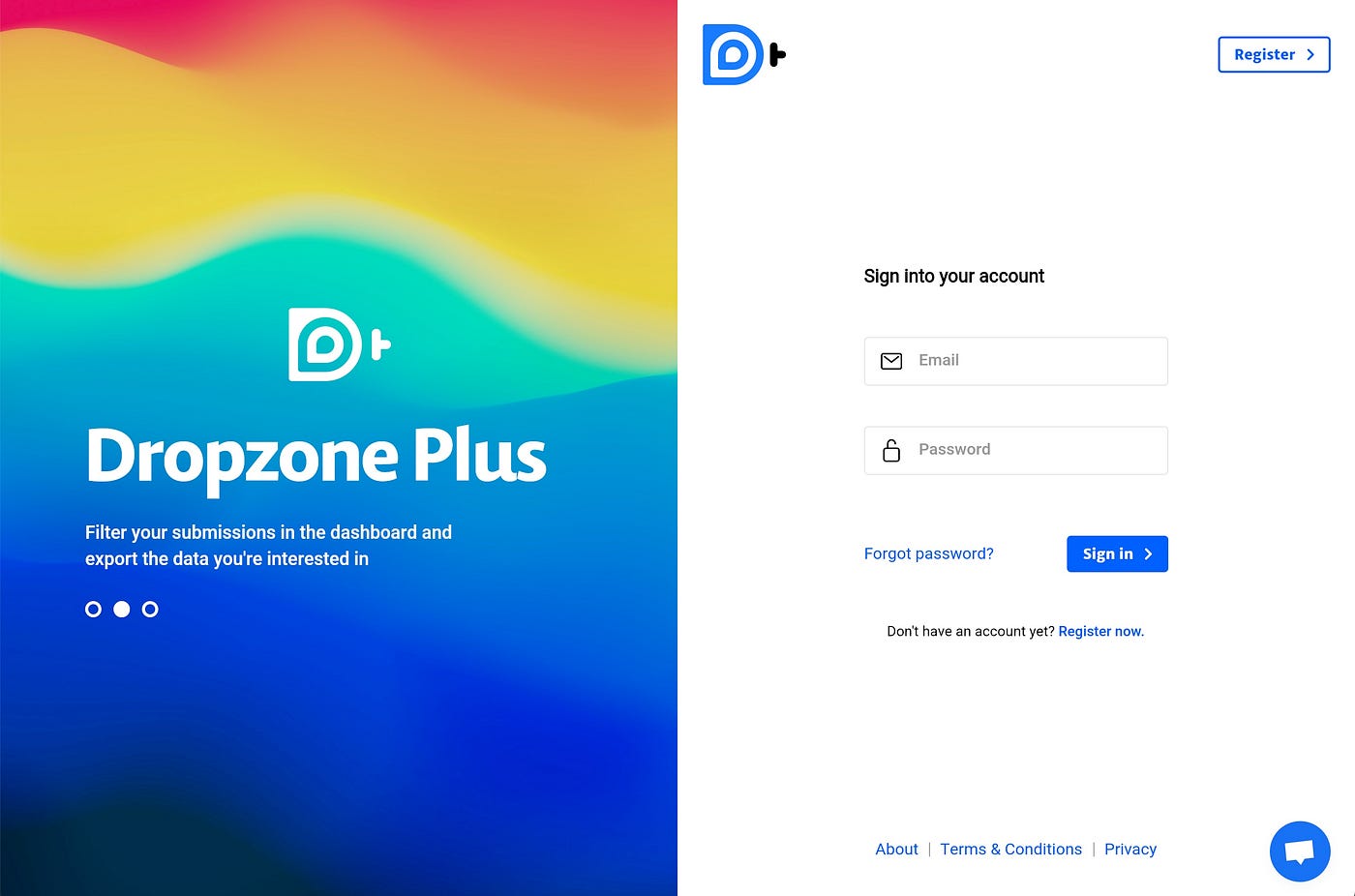 Authentication screen of our Flutter Web App
Why Flutter?
At Dropzone we decided to build our server API with gRPC and Dart because we have a lot of experience with Dart and a natural aversion to JavaScript or TypeScript for server code. That’s why we felt that choosing a frontend framework that uses dart would be ideal to reduce the amount of languages in use.
In the dart world there are only two frontend frameworks that can be taken seriously: Angular Dart and Flutter. Although the Angular Dart team has announced that they would continue maintaining the project, it has been made clear that the primary focus of the project would be Google’s internal use (it is heavily used in the Google Play and Google Ads department). I’ve built a few Angular Dart apps and although the framework is solid, I don’t particularly enjoy using it, and wanted to try something new as well as something that has a more stable future.
That’s why Flutter was the obvious candidate. What we wanted to build is a web app and not a website, that can potentially be distributed as mobile and desktop apps as well, so Flutter for Web sounded like the ideal solution.
If your team does not have a Dart inclination, the main reason you’d consider using Flutter for a web project is either because you just like the framework, or you plan on releasing mobile and/or desktop apps as well. If you just need a web app, you’re probably better served with another web only framework (I’d recommend Svelte).
The development experience
If you’ve never built anything with dart and you’re coming from JavaScript/TypeScript and frameworks like React, then let me tell you this: you’re in for a treat. An official style guide, excellent built in libraries, out-of-the-box tools for formatting and linting, a great package manager, sound null safety and excellent performance are all part of the Flutter experience and one of the main reasons it’s so enjoyable to work with.
When it comes to Flutter for Web specifically there are a few downsides though, most notably: the lack of hot reloading. If you’re coming from React, Vue, Svelte or any other modern UI framework you’re probably already used to hot reloading. Flutter does have hot reloading but Flutter for Web does not, which is a huge downside.
Fortunately, you can get hot reloading easily by starting your app in a desktop simulator (I used macOS). It will behave just like your website.
The biggest downside of the desktop simulator is that you can’t test any web specific logic. If you’re using third party JavaScript libraries for analytics, payment or any browser API, then you won’t be able to test it this way.
 The payment section
Flutter for web still supports hot restart though, which means that making a change will restart your app instantly, but you lose the current state of the app. In my scenario that was completely acceptable. I used the macOS simulator when I implemented UI. This is the part of an app that requires the most hot reloads anyway since you want to see your changes immediately without having to navigate to the section you’re working on every time. For implementing things like the payment integration I used the web version.
Thinking ahead for Mobile and Desktop
One “advantage” of this approach was, that I was forced to see issues that might occur with desktop or mobile builds right away. Examples of this include storing client data (Web Storage API in browsers; shared_preferences plugin on desktop and mobile), and how to handle external links (opening a link is different on mobile, desktop and the web).
That means that now that I’ve finished the web app, there are very few things that I need to change to be able to release a Desktop or mobile app. These things mostly relate to adding features that warrant a dedicated app, like notifications, storing and caching files locally or a mobile specific bottom navigation. If I wanted to, I could release these apps immediately though.

















![Toni Kroos là ai? [ sự thật về tiểu sử đầy đủ Toni Kroos ]](https://evbn.org/wp-content/uploads/New-Project-6635-1671934592.jpg)


